Two Devices.
Two Jobs.
We separate your Internet connection from your Wi-Fi so each piece of equipment can focus on what it does best.
NetJOI uses a separate modem and Wi-Fi setup rather than relying on one all-in-one gateway.
A dedicated non-Wi-Fi cable modem that connects your home to NetJOI Internet.
A Wi-Fi 6 mesh system that takes that Internet connection and provides wireless coverage throughout your home.
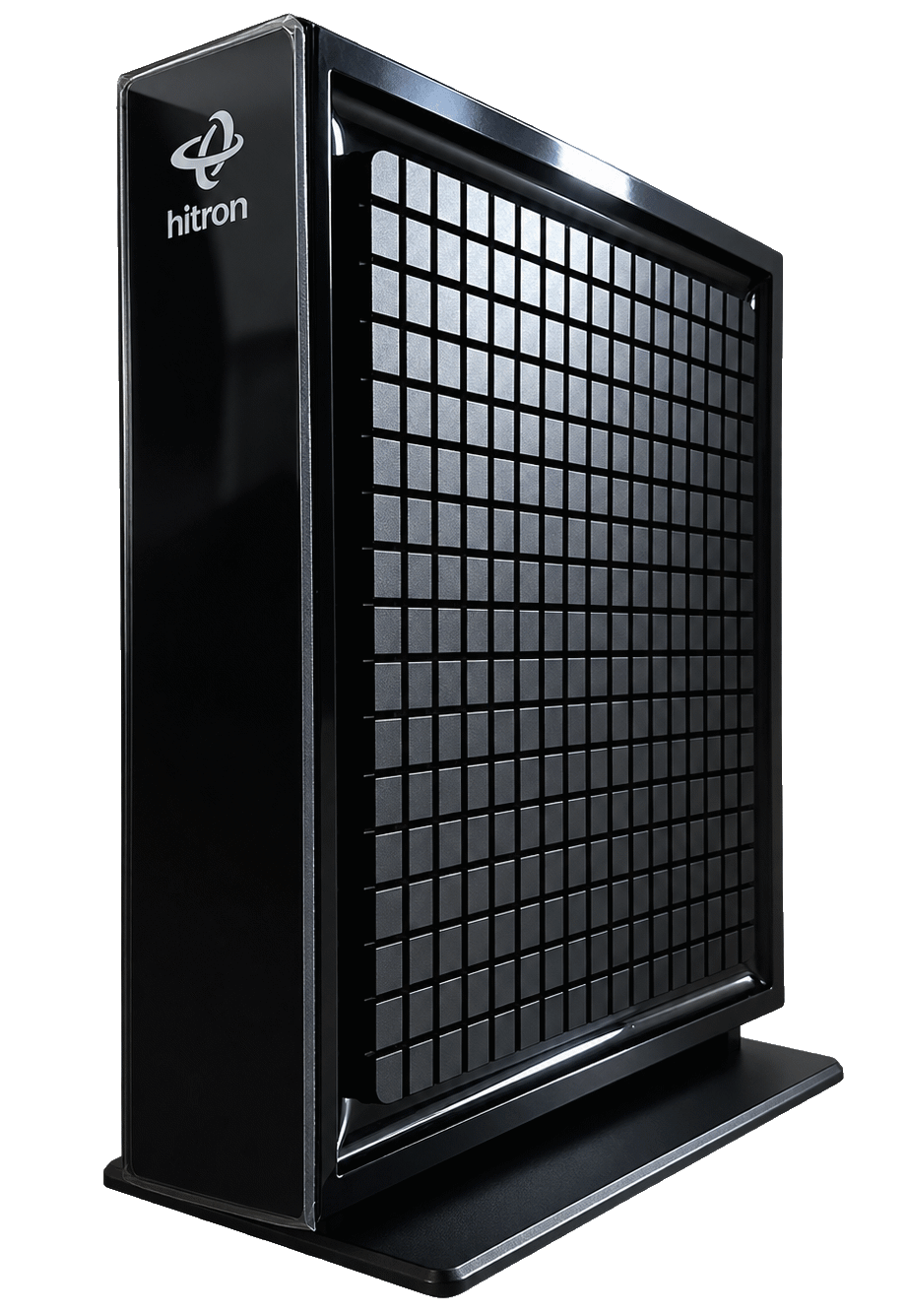
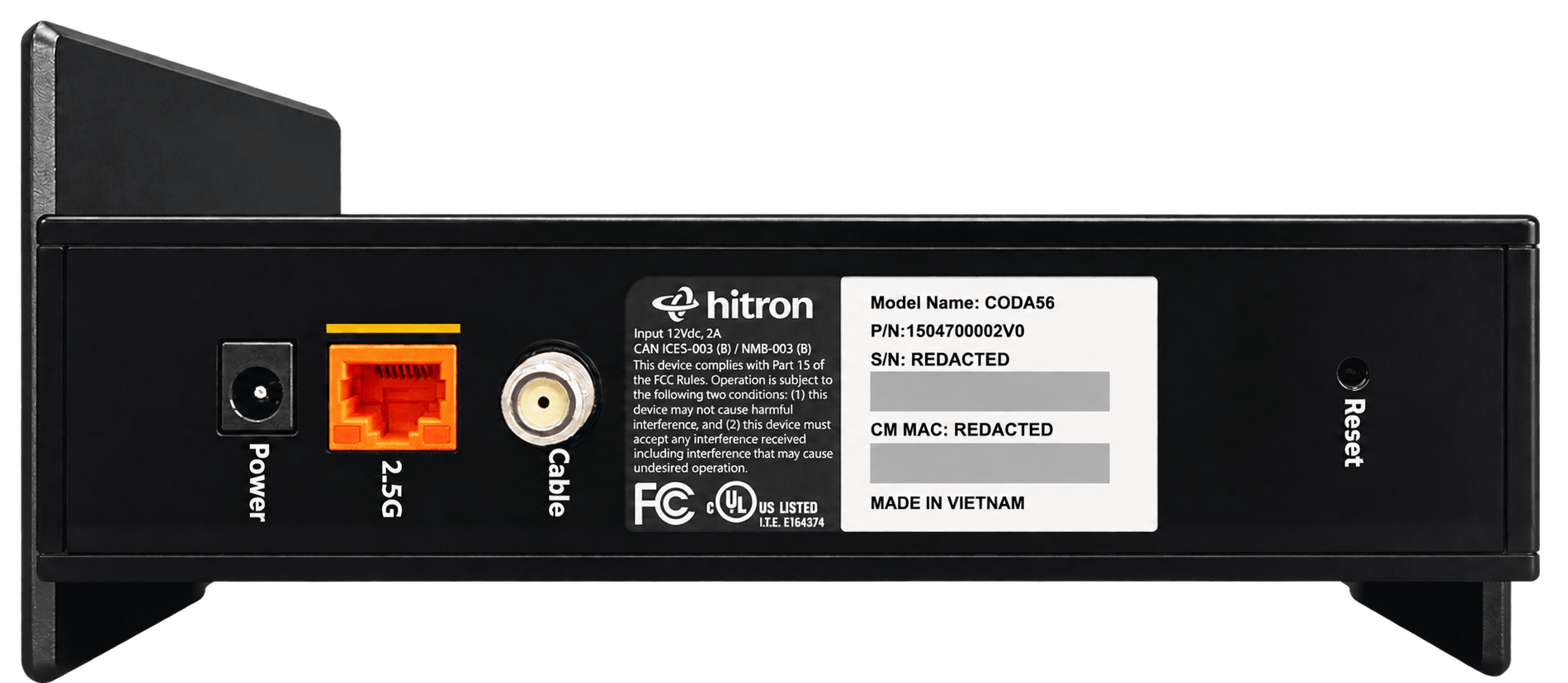
Hitron CODA-56
The CODA-56 is a dedicated DOCSIS 3.1 cable modem that handles the connection between your home and the NetJOI network, then passes that connection to your Wi-Fi equipment over Ethernet. Because it does not include built-in Wi-Fi, it can focus on the job it was designed to do: maintain a reliable cable Internet connection.
Hitron is an established broadband manufacturer whose DOCSIS equipment is deployed by major network operators around the world, giving NetJOI a proven platform for modern cable Internet service.
- DOCSIS 3.1
- Gigabit-capable hardware
- No built-in Wi-Fi
- 2.5G Ethernet connection for your router or mesh system
- Works with NetJOI Wi-Fi or compatible Wi-Fi equipment of your own
- IPv6 compatible
TP-Link Deco X50
Whole-Home Wi-Fi 6 designed to deliver strong, expandable wireless coverage around your home.
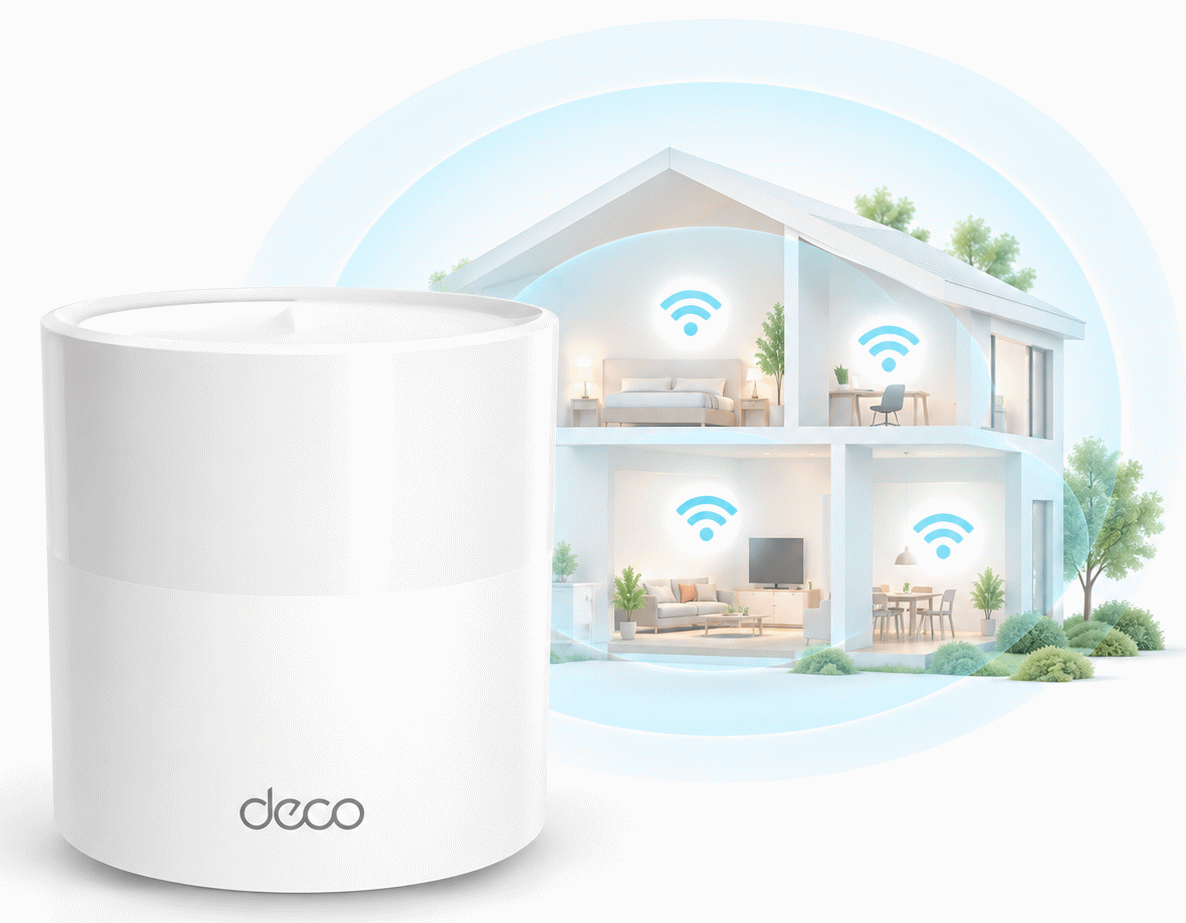
Whole-Home Wi-Fi 6
The Deco X50 is a mesh-capable Wi-Fi 6 system that can be expanded with additional units when needed, giving your phones, laptops, televisions, gaming systems and other wireless devices a dedicated Wi-Fi network throughout the home.
Fast Internet does not help much if your Wi-Fi struggles to reach the places where you actually use it. Weak signal upstairs, buffering in bedrooms, basement dead zones, dropped video calls and laggy gaming are often Wi-Fi coverage problems rather than problems with the Internet connection coming into your home.
One Deco X50 can cover up to approximately 2,500 sq. ft., while additional Deco units can extend coverage through larger homes or harder-to-reach areas. The Deco app also lets you see connected devices and manage your network without digging through complicated router settings.
- Wi-Fi 6
- Coverage up to approximately 2,500 sq. ft. with one unit
- Add additional Deco units when more coverage is needed
- Manage connected devices and your network through the Deco app
First 2 months FREE, then $6.95/month.
Already Have Wi-Fi You Like?
Keep it. A separate modem means switching Internet providers does not necessarily mean rebuilding your home Wi-Fi network.
Use Your Own Router or Mesh System
The CODA-56 connects to most standalone routers and mesh systems using a standard Ethernet connection, so you may be able to keep the Wi-Fi setup you already know instead of replacing perfectly good equipment just because you changed Internet providers.
That can mean keeping your existing Wi-Fi name, connected devices, parental controls, mesh layout and other network settings. Popular systems such as TP-Link Deco, Netgear Orbi, eero, ASUS, Google/Nest WiFi and Linksys are designed to connect to a modem this way.
Will My Router or Mesh System Work?
Answer two quick questions to get a good idea before replacing equipment you may already be able to use.
If your router or mesh system is currently working and has an Ethernet WAN or Internet connection, it should work with the NetJOI modem in most cases.
Look for the brand and model number on the bottom or back of the router or main mesh unit, then look up that model on the manufacturer's support page and confirm that it has an Ethernet WAN or Internet port.
Popular manufacturer support sites: NETGEAR , TP-Link , ASUS , eero , Google Nest .
Already Own a Compatible Cable Modem?
You may be able to use that too — and save each month.
Customers who use an approved compatible DOCSIS 3.1 cable modem receive a $5/month discount on their NetJOI Internet service. Cable modem compatibility depends on the exact model and the network serving your address.
This is different from using your own router or mesh Wi-Fi equipment because the cable modem connects directly to the underlying network and therefore has to be an approved model.
Check Internet availability at your address and choose the setup that works best for your home.